


This is the user interface. UI can vary between versions.
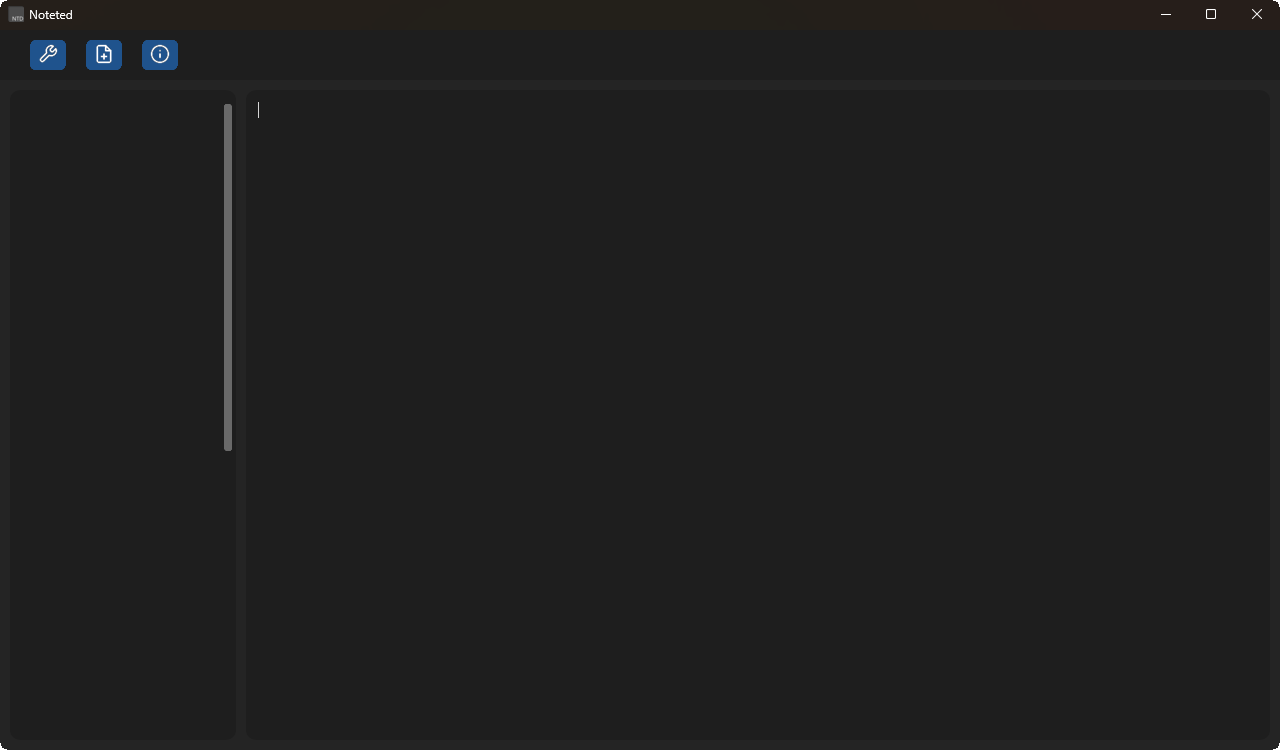
You'll spend most of your time staring at this screen.
Watch out for burnt ins, I ain't the problem lmao
This is the new file interface. UI can vary between versions.
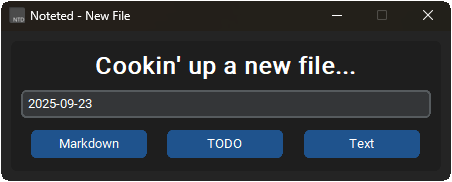
This is where you can create a new file. You can choose between Markdown, Text or a custom file TODO list.
You can rename the file, but if you don't name it anything, it'll be the date of your computer.
This is the settings interface. UI can vary between versions.
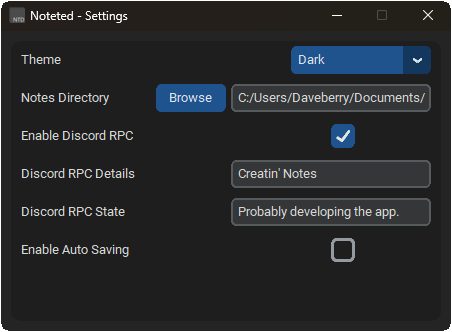
This is where you can change the settings of Noteted. You can customize the appearance, behavior, and more.
First off, this is screenshot outdated. It's still in development version!
More settings coming soon in the future though!
Your settings is located at Depending on your operating system.
- Windows: ~/Appdata/Roaming/Noteted
- Linux: ~/.config/Noteted
- MacOS: ~/Library/Application Support/Noteted
And lastly, this is the Information interface. UI can vary between versions.
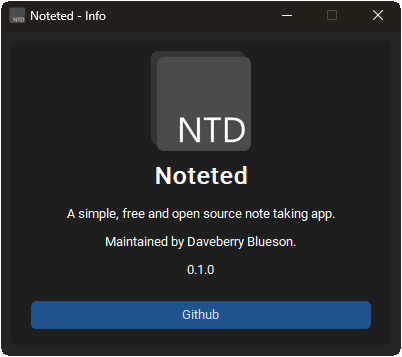
This hold the useful infomation of Noteted.
Version, Link to the website and Link to the github repository. This screenshot is from 0.1.0! This UI has been since then.