


Make it look weird? Make it look good? Or, make it look AWESOME?!
The creativity is on your hands!
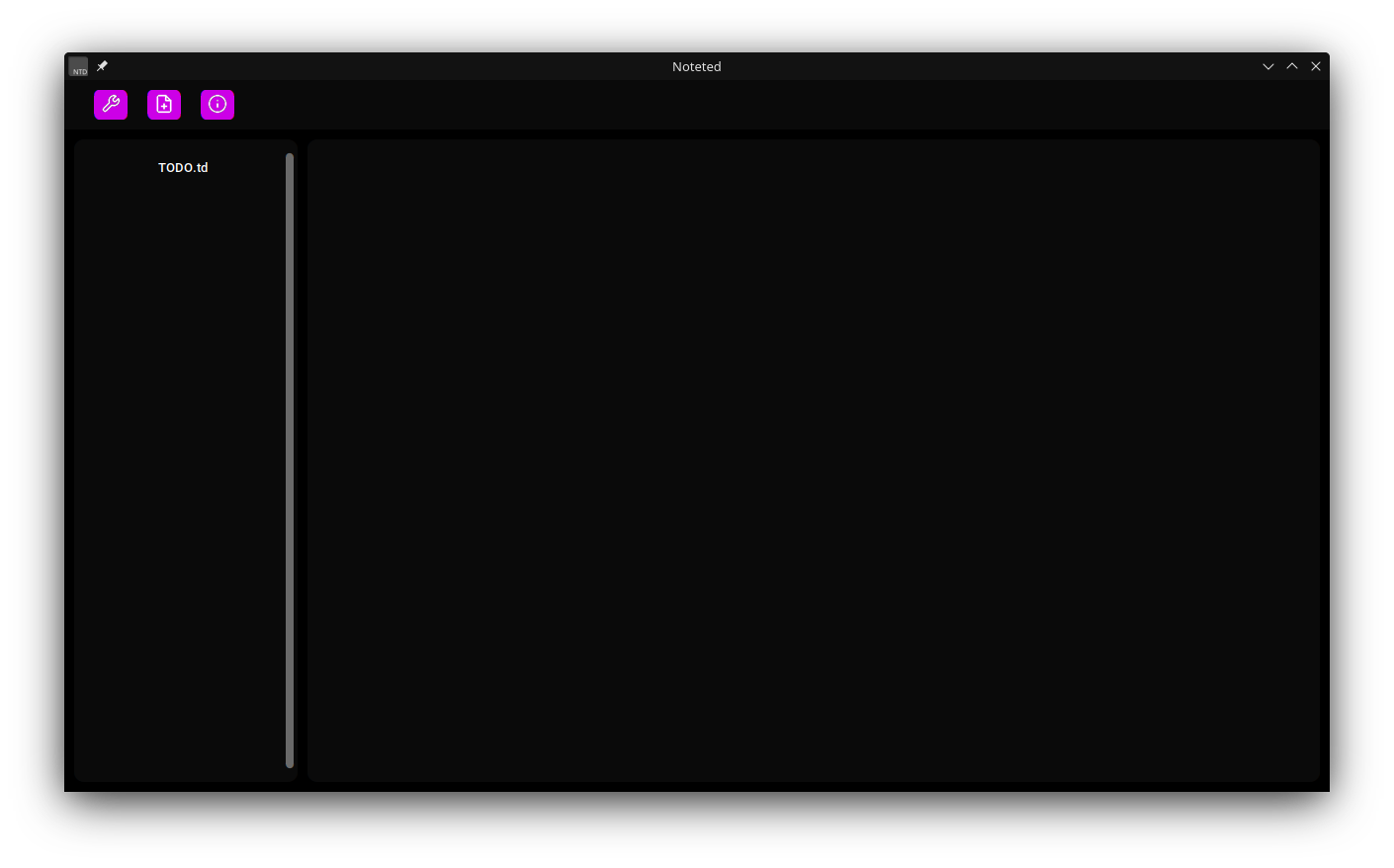
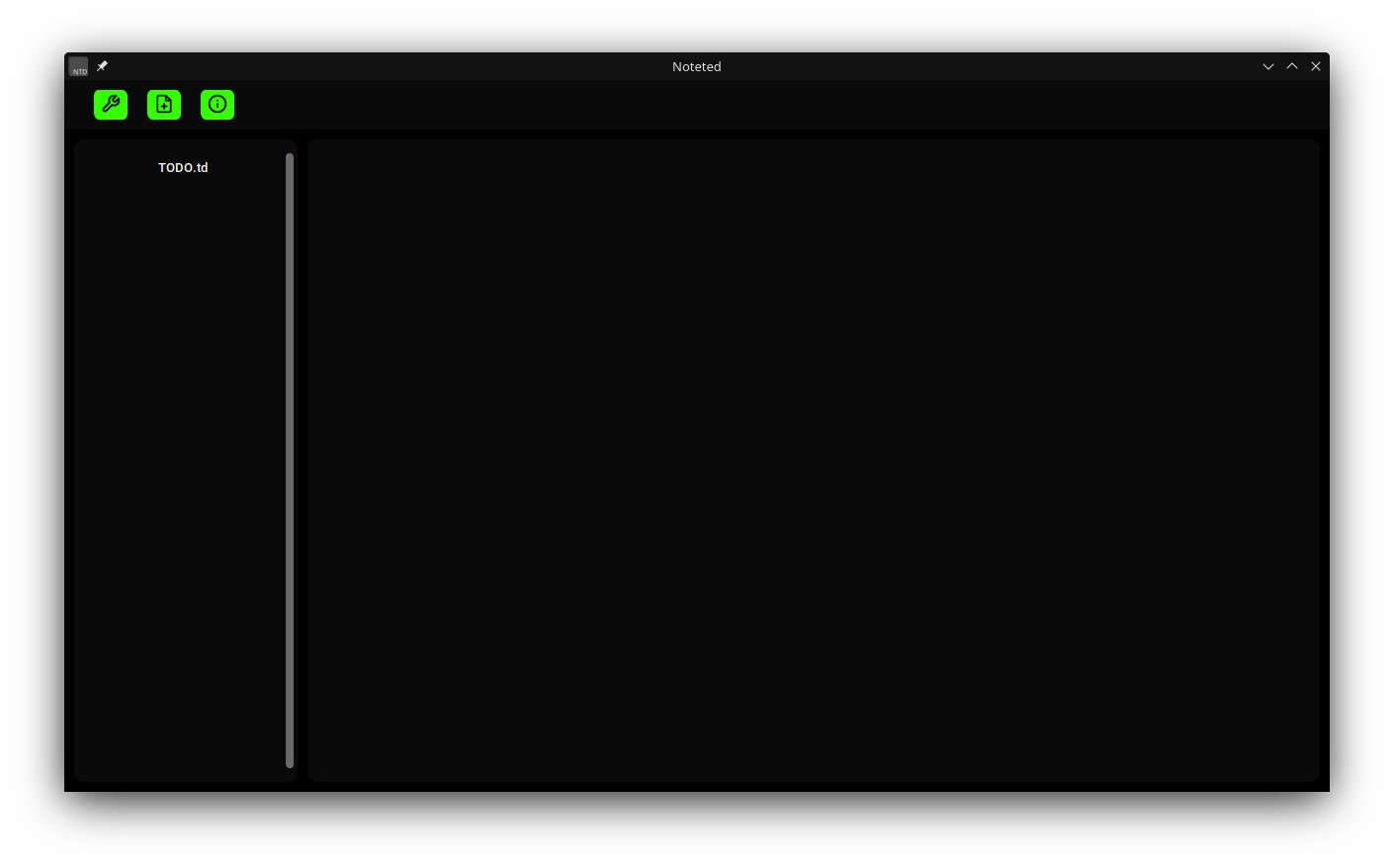
Heres an example on what I've made!
Amethyst
Green
How do I make a custom theme?
Glad ya' asked!
Here's the code for the main themes.

Here are the steps for ya'
- Download that code.
- Depending on your operating system, your custom theme folder is at.
- Windows: ~/Appdata/Roaming/Noteted/themes
- Linux: ~/.config/Noteted/themes
- MacOS: ~/Library/Application Support/Noteted/themes
- Drag and drop it to your custom theme's folder.
- Edit it a little bit and then you're done!
Too lazy to make yourself?
You can use other user's custom themes!
Just go ahead and find it at Noteted Custom Github Repository